









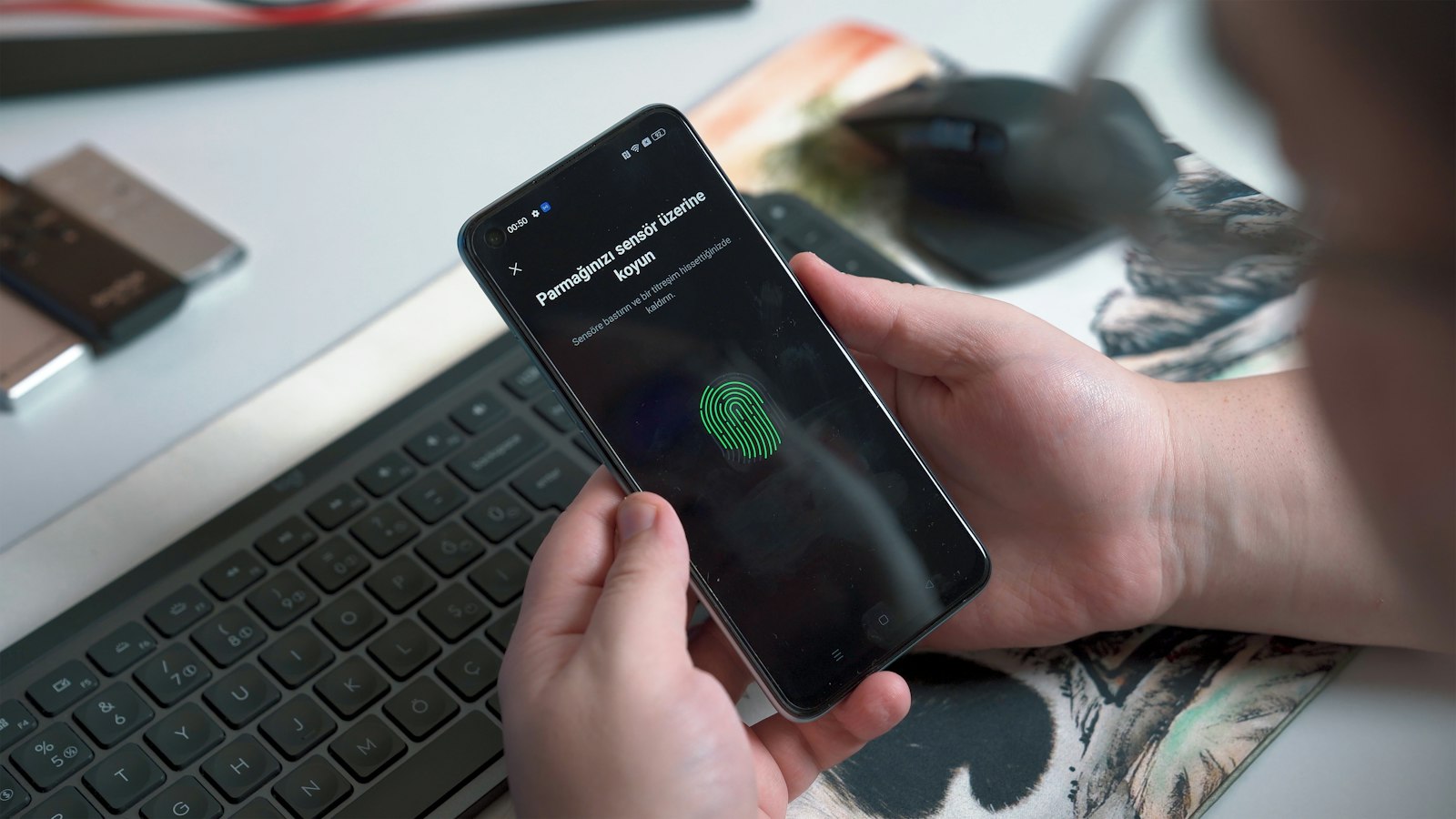
Microsoft says that when people sign in with passkeys, they get into their account about 98% of the time. With a password, the figure is 32%. That second number sounds absurd until you remember the last time you mistyped a password twice, hit “forgot password,” waited for the email, and gave up halfway through. Passwords aren’t just insecure. They’re also bad at the one job they have.
Passkeys are the tech industry’s attempt to replace them, and after years of slow progress, the switch is happening. The FIDO Alliance, the industry group behind the standard, estimated in May 2026 that about five billion passkeys are now in use worldwide. Apple, Google and Microsoft all support them across their operating systems, and since May 2025 Microsoft has stopped asking new account holders to create a password at all.
And yet most of us still type passwords every day. Here’s how passkeys work, why they’re safer, where the rough edges remain, and how to start using them on the accounts that matter.
Why passwords keep failing
The problem with a password is that it’s a shared secret. You know it, and the website knows it (or at least a scrambled version of it). Anyone who learns it can be you. That opens three doors for attackers: they can trick you into typing it on a fake site (phishing), steal it from a company that got breached, or simply guess it because you reused it somewhere else.
The numbers bear this out. Verizon’s 2025 Data Breach Investigations Report found that credential abuse was the single most common way attackers got into organizations, at 22% of breaches, ahead of exploited software flaws and phishing. In attacks on web applications, stolen credentials were involved in 88% of cases. Microsoft reported seeing about 7,000 password attacks per second in 2024, more than double the rate a year earlier.
Two-factor codes help, but they don’t fix the core issue. A convincing fake login page can ask for your password and your six-digit code at the same time, then replay both to the real site within seconds. The Canadian Centre for Cyber Security warns about exactly this kind of “machine-in-the-middle” attack and says FIDO-based methods are strongly recommended because they resist phishing.
How passkeys work, minus the jargon
A passkey replaces the shared secret with a pair of cryptographic keys. When you create a passkey for, say, your Amazon account, your device generates two linked keys:
- A private key, which stays on your device (or in your encrypted password manager) and is never sent to Amazon.
- A public key, which Amazon stores. It’s useless on its own; it can only check signatures, not create them.
When you sign in, the website sends your device a random challenge. Your device asks you to prove it’s you, using the same fingerprint, face scan or PIN you already use to open your phone. Then it signs the challenge with the private key and sends back the signature. Amazon checks it against the public key it has on file. If it matches, you’re in.
Notice what never happens: no secret ever crosses the internet. If Amazon gets breached, the attackers walk away with public keys, which can’t be used to log in anywhere. Your fingerprint never leaves your phone either; it only releases the private key locally.
FIDO2, WebAuthn and CTAP
Passkeys are built on a set of standards collectively called FIDO2. The two pieces worth knowing are WebAuthn, the web standard (published by the W3C) that lets a browser create and use these credentials, and CTAP, the protocol that lets an external device such as your phone or a USB security key talk to your computer. When you scan a QR code on your laptop to sign in with your phone, CTAP is doing the work over Bluetooth to confirm the two devices are physically near each other.
Why phishing doesn’t work
This is the clever part. Every passkey is bound to the exact domain where it was created. A passkey made for paypal.com simply won’t respond to paypa1-login.com, no matter how perfect the fake page looks. You can’t be tricked into handing it over, because your device makes the domain check, not you. That’s why security agencies call passkeys “phishing-resistant,” a label they don’t give to text-message codes or authenticator apps.

Where adoption stands in 2026
For years, passkeys were the thing security people talked about and regular people ignored. That has shifted. The FIDO Alliance’s State of Passkeys 2026 report, based on an April survey of 11,000 consumers and 1,400 businesses in ten countries, found:
- 90% of people surveyed had heard of passkeys.
- 75% had turned on a passkey for at least one account.
- 49% said they use passkeys regularly when they’re offered.
- 68% of organizations had deployed or were deploying passkeys for employee sign-in, but 57% still relied mainly on passwords.
A caveat worth keeping in mind: these figures come from an industry association that exists to promote passkeys, and Canada wasn’t among the ten countries surveyed. The direction is clear. The exact percentages deserve some salt.
The big three platforms
Google made passkeys the default sign-in option for personal Google accounts back in October 2023, saying they were 40% faster than passwords. In September 2024 it began syncing passkeys through Google Password Manager across Windows, macOS, Linux and Android, protected by a PIN so that, in Google’s words, not even Google can read them.
Apple has synced passkeys through iCloud Keychain since iOS 16 and macOS Ventura, with end-to-end encryption. Its Passwords app keeps passwords, passkeys and verification codes in one place.
Microsoft went furthest. On May 1, 2025, it announced that new Microsoft accounts would be passwordless by default, and said it was seeing nearly a million passkeys registered every day. It also renamed World Password Day to World Passkey Day. In November 2025, a Windows 11 update let third-party managers such as 1Password and Bitwarden plug directly into Windows as passkey providers.
The sites you actually use
Amazon said in late 2024 that more than 175 million customers had turned on passkeys and were signing in six times faster. eBay, Uber and WhatsApp were early adopters, and the list of major sites has grown steadily since. Among Canadian services, support is patchier; many banks and government portals still lean on passwords plus text-message codes, so check each account’s security settings rather than assuming.
Syncing, switching and recovery: the hard part
Early critics raised a fair objection. If your passkeys live in Apple’s keychain, what happens when you switch to Android? And if you lose your phone, do you lose everything?
Synced versus device-bound passkeys
There are two flavours. Synced passkeys are backed up, encrypted, to a cloud account (iCloud Keychain, Google Password Manager, 1Password, Bitwarden and others) and appear on all your devices. That’s what most people should use. Device-bound passkeys live on one piece of hardware, typically a USB or NFC security key, and never leave it. They offer the highest assurance and are what many security teams require for administrators, but lose the key and that credential is gone.
Moving between ecosystems
The lock-in complaint is finally being addressed. The FIDO Alliance developed a Credential Exchange standard for moving passwords and passkeys securely between managers, without dumping them into an unencrypted file. Apple added support with iOS 26 and macOS Tahoe 26 in the fall of 2025, and Google began rolling out import and export for Google Password Manager on Android in June 2026, according to Android Authority. Third-party managers have been adding support through 2026. It isn’t universal yet, but the path out of any one company’s garden now exists.
If you lose your phone
With synced passkeys, losing a device is an inconvenience, not a catastrophe: sign in to your Apple, Google or password-manager account on a new device and your passkeys come back. The weak spot moves to that master account. Apple, for instance, protects keychain recovery with your Apple account credentials, a code sent to your phone number and a device passcode, and lets you name a recovery contact, according to its security documentation. Set these up before you need them.
Here’s the catch that still trips people up: most sites that offer passkeys also keep your old password active as a fallback. An attacker who phishes that password can still get in. Until sites let you turn the password off entirely, a passkey makes signing in easier but doesn’t fully close the door.

How to start using passkeys this week
You don’t need to convert every account at once. Start with the ones that would hurt most if someone took them over.
- Pick your passkey home. If you live entirely in Apple’s world, iCloud Keychain is fine. Same for Google on Android and Chrome. If you mix platforms (an iPhone with a Windows PC, say), a cross-platform manager like 1Password or Bitwarden avoids friction.
- Lock down that home first. Give your Apple, Google or password-manager account a strong, unique password and two-factor authentication, and set up recovery options: a recovery contact, recovery key or backup codes stored somewhere safe offline.
- Start with your email account. Whoever controls your email can reset almost everything else. In Google, go to your account’s Security settings and find “Passkeys and security keys.” For Microsoft, look under Account, then Security, then “Manage how I sign in.”
- Then do money and identity. Shopping sites like Amazon, your phone carrier and any bank that supports passkeys. Look in each site’s security or login settings for “passkey” or “sign in without a password.”
- Accept the prompts. Many sites now offer to create a passkey right after you log in. Say yes.
- Remove the password where you can. If a site lets you delete your password after adding a passkey (Microsoft accounts do), consider it, as long as you have a second passkey or recovery method.
- Consider a hardware key for high-value accounts. A pair of FIDO2 security keys (one on your keyring, one in a drawer) gives you a device-bound backup that no cloud outage can touch.
For small businesses, the logic is the same at scale. If your company runs on Microsoft 365 or Google Workspace, both let administrators require phishing-resistant sign-in for staff. Start with anyone who has admin rights or approves payments.
The slow goodbye
Passwords won’t disappear in 2027, or probably 2030. Too many old systems, small websites and internal business apps depend on them, and the FIDO Alliance’s own data shows most companies still use them for employee logins. What’s changing is the default. New accounts at Microsoft don’t get a password. Google prompts you for a passkey. Your phone offers to make one whenever a site supports it.
The practical advice is simple: every time a service offers you a passkey, take it. Each one is an account that can’t be phished, and one fewer password you’ll have to remember, reset or reuse.
Sources and further reading
- FIDO Alliance: Accelerating global passkey adoption, World Passkey Day 2026
- FIDO Alliance: What are passkeys?
- Microsoft Security Blog: Pushing passkeys forward
- Google: Sync passkeys securely across your devices
- Apple Support: About the security of passkeys
- Android Authority: Google Password Manager adds passkey import and export
- Canadian Centre for Cyber Security: Secure your accounts and devices with multi-factor authentication
- passkeys.dev: Passkey device support matrix
- BleepingComputer via FIDO Alliance: Amazon says 175 million customers use passkeys
- CyberInsider: Windows 11 integrates native support for Bitwarden and 1Password